
Hardware
Reliable Hardware for the Front Desk and Salon Floor
Choose hardware that works with your salon's layout, checkout process, and customer experience.
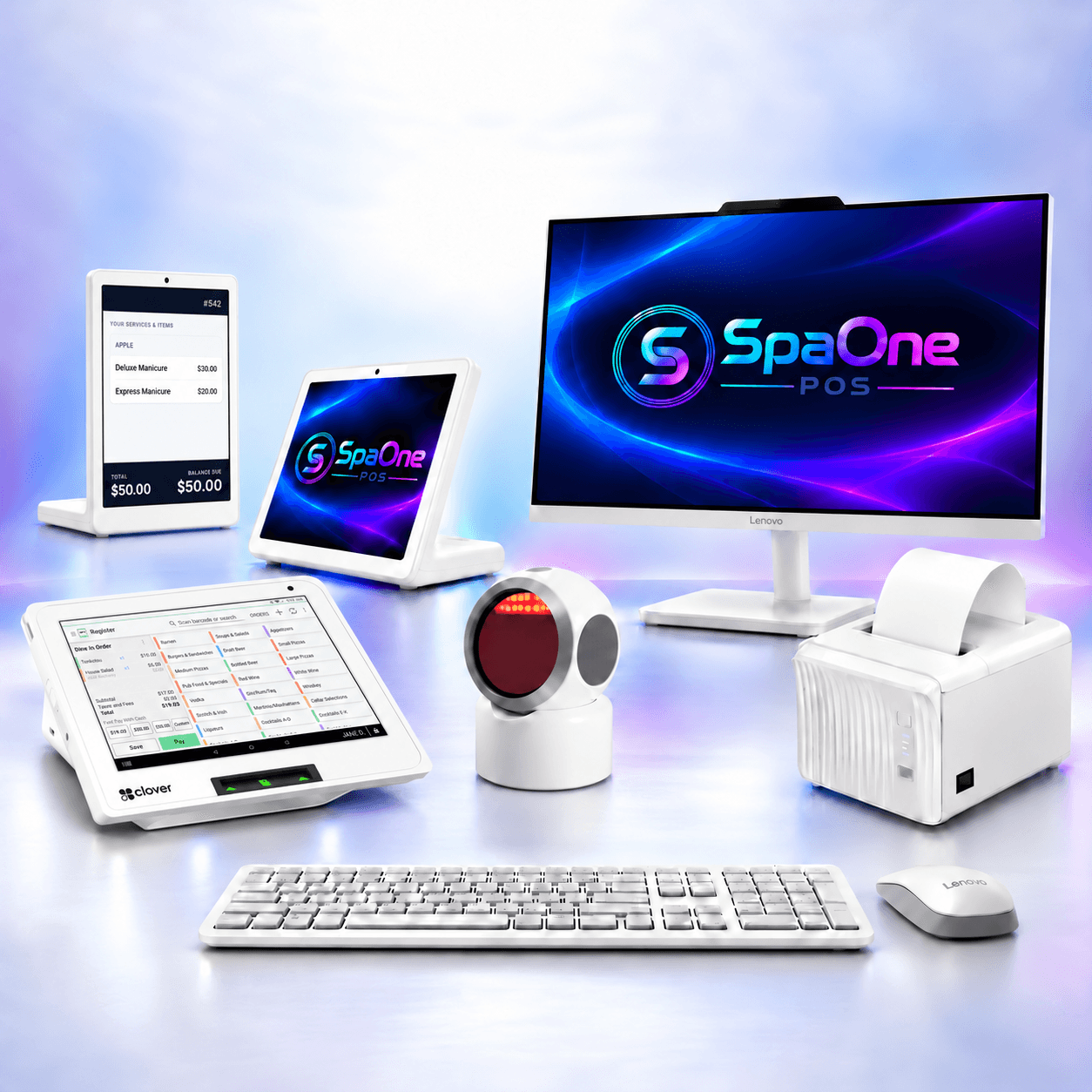
Complete hardware package
Everything you need to open the front desk
A complete, ready-to-run bundle that covers checkout from day one — a full register station, a handheld for the floor, and the peripherals that keep the line moving.
- 24" all-in-one touchscreen computer
- Clover Mini/Flex
- L-shape check-in tablet
- L-shape customer display
- Thermal receipt printer
- Check-in thermal printer
- Cash drawer
- Barcode scanner
Pricing shared during your demo
Payment terminals
Clover terminals, ready for SpaOne
Take secure card, tap, and mobile-wallet payments at the front desk or right at the chair.
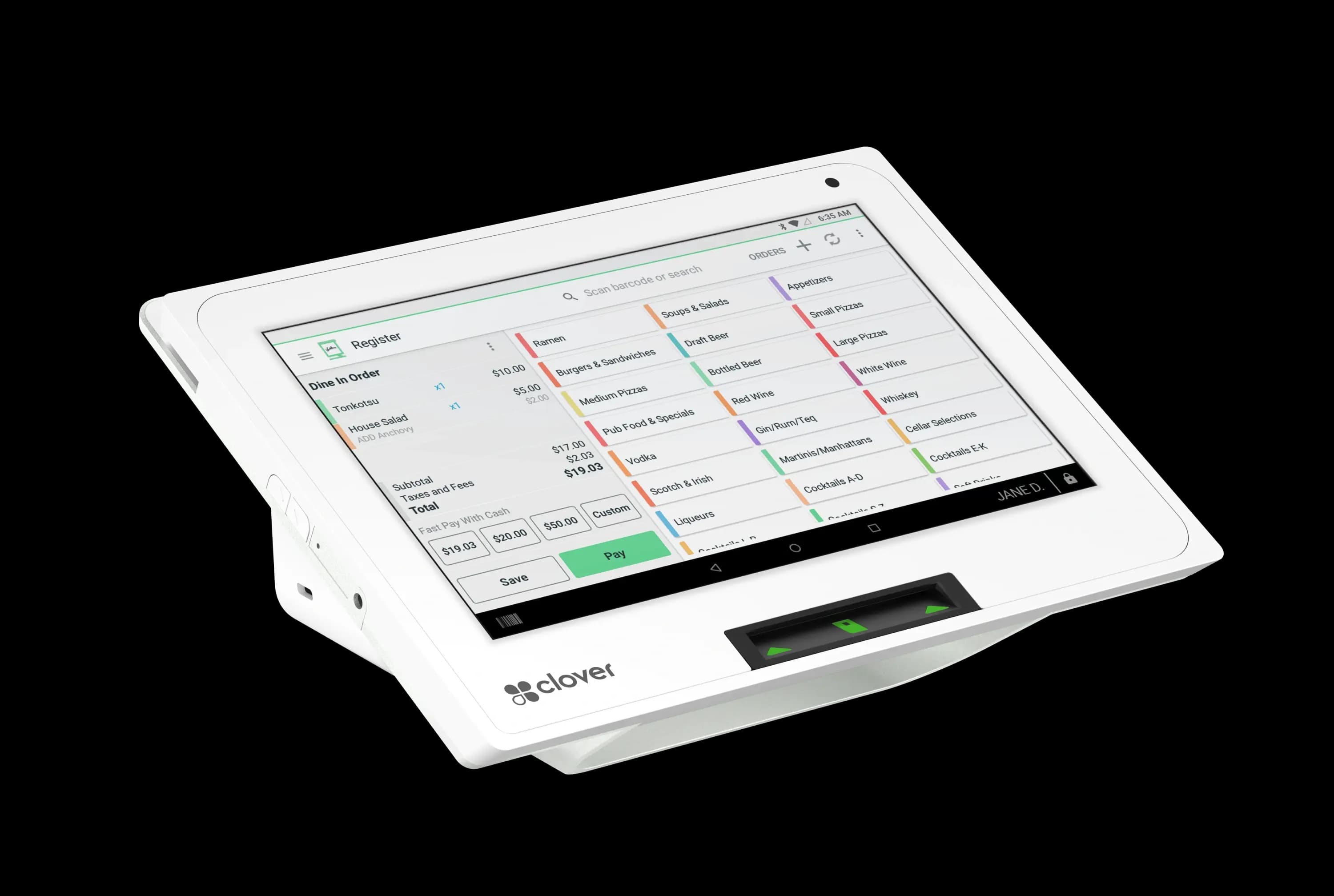
Countertop terminal
Clover Mini
A compact all-in-one terminal for the front desk. Takes chip, tap, and swipe payments with a built-in receipt printer — a complete checkout station in a small footprint.
Pricing shared during your demo
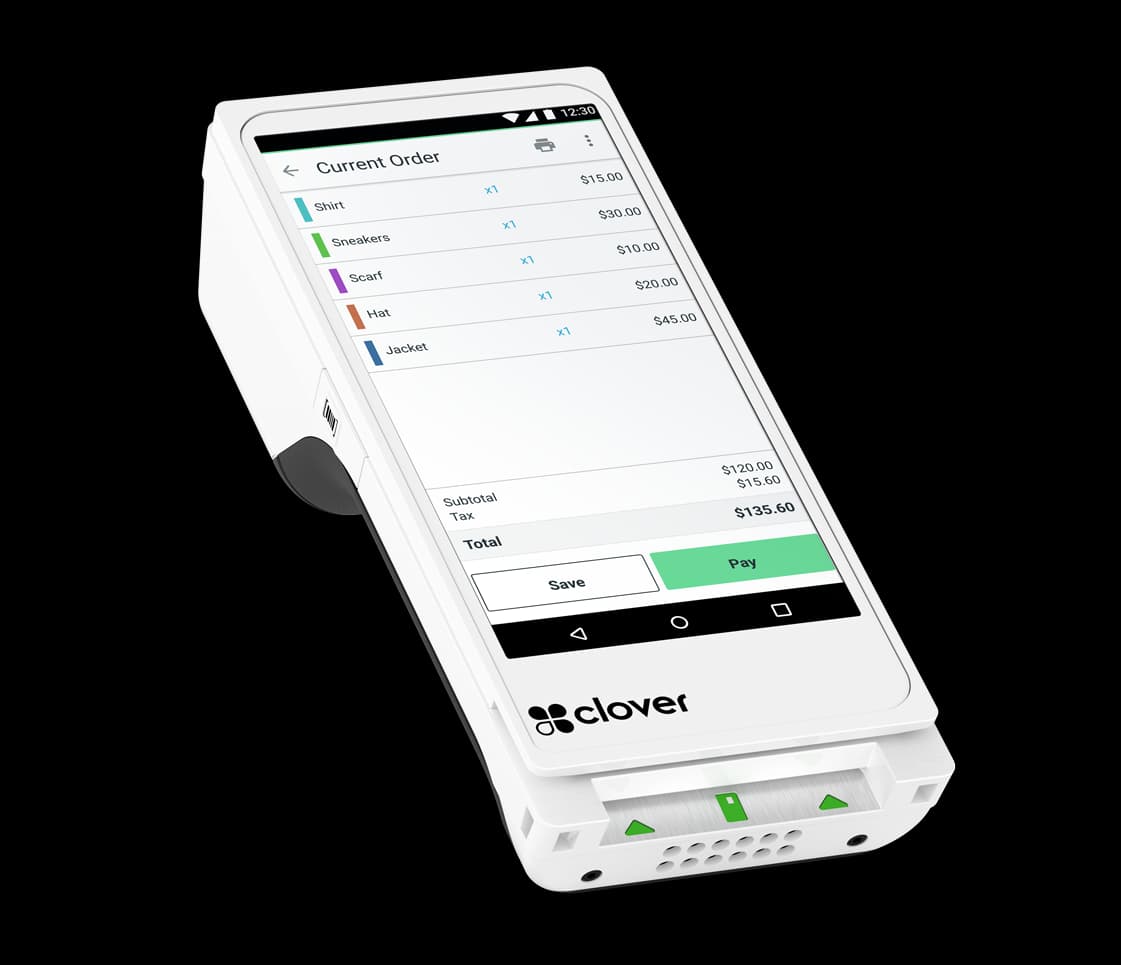
Handheld terminal
Clover Flex 4
A portable terminal you can carry to the chair. Take payments and tips, and print receipts anywhere on the floor — checkout comes to the guest.
Pricing shared during your demo
Hardware categories
The pieces that make up your setup
Mix and match the categories below to fit how your salon takes payments, greets guests, and runs the day.
Countertop POS
Best use: a fixed checkout station at your front desk.
Mobile payment devices
Best use: taking payment and tips at the chair or on the go.
Customer-facing displays
Best use: showing totals and tips to clients at checkout.
Check-in kiosks
Best use: letting walk-ins sign themselves in on arrival.
Receipt printers
Best use: printing tickets and receipts at the register.
Cash drawers
Best use: keeping cash secure and balancing the drawer at close.
Barcode scanners
Best use: ringing up retail products and gift cards quickly.
Network & connectivity
Best use: keeping your POS online and running reliably.
Devices
What each device is best for
We'll help you pick the right mix for your space during your demo. Pricing shared during your demo.
iPad and Android tablet POS
Best use: a flexible register you can run at the front desk or carry to the chair.
Runs the SpaOne app on current-generation iPads and supported Android tablets.
Pricing shared during your demo
Mobile card reader
Best use: taking tap, chip, and mobile-wallet payments away from the counter.
Pairs with the SpaOne app on a phone or tablet for on-the-floor checkout.
Pricing shared during your demo
Receipt printer
Best use: printing tickets and receipts for clients who want a paper copy.
Works with SpaOne over your local network or a direct connection to the register.
Pricing shared during your demo
Cash drawer
Best use: securing cash and keeping your end-of-day count in order.
Opens through the SpaOne register, typically connected to the receipt printer.
Pricing shared during your demo
Check-in kiosk
Best use: giving walk-ins a self-serve station so the front desk stays clear.
Runs the SpaOne check-in experience on a supported tablet and stand.
Pricing shared during your demo
Barcode scanner
Best use: scanning retail products and gift cards at checkout.
Connects to the SpaOne register for quick product and gift-card lookups.
Pricing shared during your demo
Before you install
Plan the Right Setup Before Installation
A little planning before installation helps your setup run smoothly from day one.
Counter space
Leave room for your register, printer, and anything clients hand across the counter.
Electrical outlets
Make sure each device has a nearby outlet so cords don't stretch across walkways.
Network reliability
Place your router where the front desk and any kiosks get a strong, steady signal.
Printer placement
Set the receipt printer within easy reach of whoever is ringing clients up.
Cash drawer placement
Position the drawer so it opens freely and stays out of a client's line of sight.
Customer-facing screen placement
Angle any client-facing display so guests can confirm totals and tips comfortably.
Kiosk accessibility
Give a check-in kiosk clear floor space so guests of all abilities can reach it.
Backup connectivity considerations
Think through what you'll do if the internet drops, so checkout keeps moving.
See it running in your shop, not a generic demo
We'll walk your actual workflow — your turns, your pay structure, your services — and show you exactly how the move over works. No pressure, no script.